
Switching Training Platform: What to Check First
By Janos Laszlo
- switching training platform
- training platform migration
- changing LMS
- hospitality LMS
- LMS migration
- training records
- hospitality training software
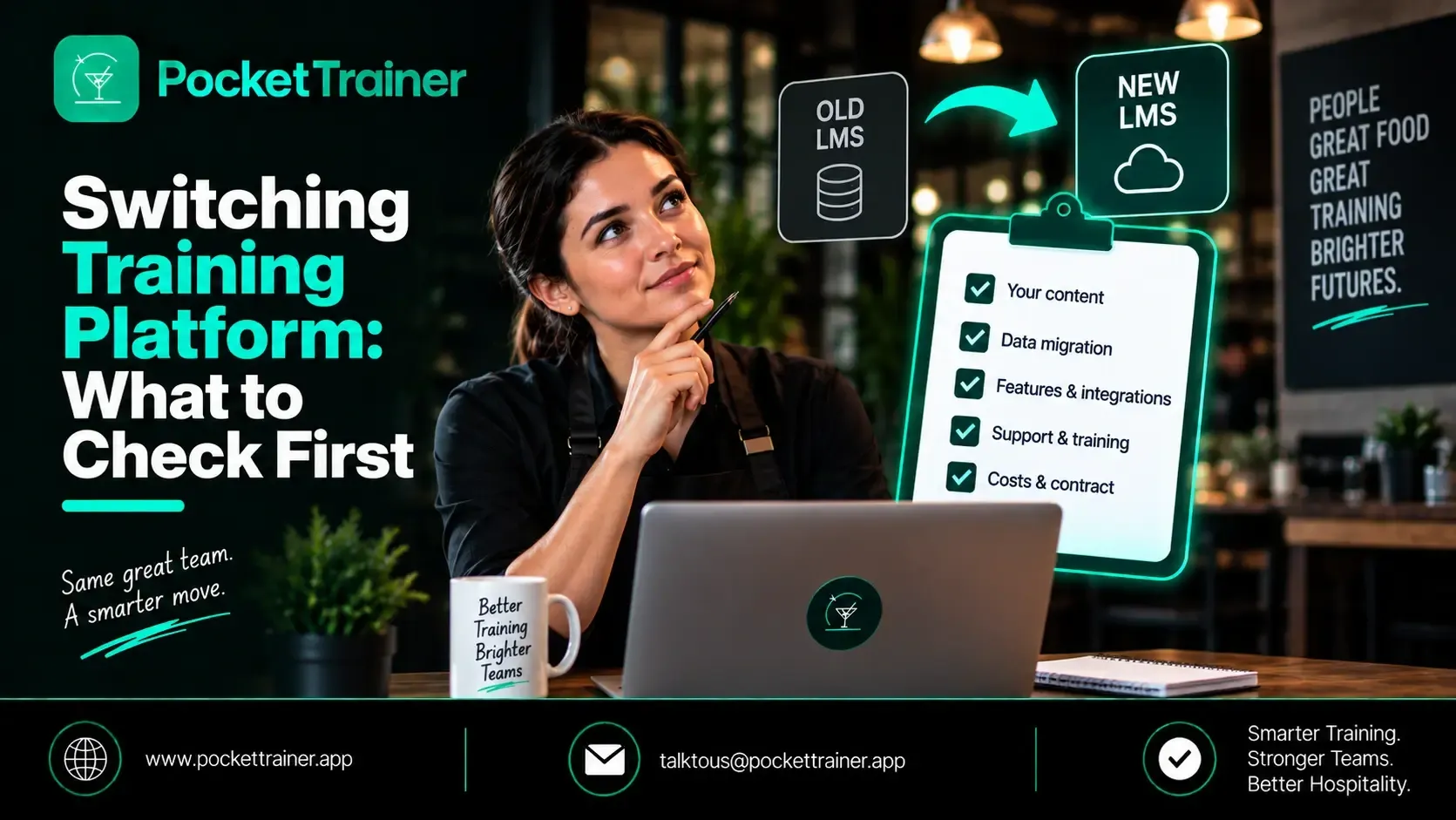
Quick Summary
- Find out whether you need a new platform or a better rollout.
- Confirm what content and historical records you can export.
- Pilot the new platform with one site before switching the whole group.
- Give someone clear ownership of content and training completion.
- If only menu and product training is missing, adding a specialist platform may be enough.
Changing training platforms can look like a software decision, but the real issue is often bigger than the software itself.
Before replacing your current system, work out whether the platform actually failed or whether the rollout did. If content stopped being updated, managers stopped checking completion, or ownership disappeared when a key person left, those problems can follow you to the next platform.
A successful switch starts before you sign a new contract. Check what happens to your existing content and historical training records, decide what needs to move, and test the replacement with one real site before rolling it out across the group.
Was It the Platform or the Rollout?
This is the uncomfortable question, but it is worth answering before you spend time evaluating replacements.
When a training platform stops being used, the problem is not always a missing feature. It can also be:
- Nobody owning content updates
- Managers having no accountability for completion
- Content being built once and never maintained
- The person who championed the platform leaving without a clear handover
Every one of those problems can repeat on a new platform unless something else changes.
If your content was last updated fourteen months ago, the next platform could become fourteen months stale too, just with a different login.
“Instead of scrolling on Instagram, you can train yourself in 30 minutes. It’s very very helpful, and I didn’t believe in the beginning.” - Michail Lazarou, Assistant Manager, Sushisamba
That scepticism is worth planning for. A platform switch asks your team to engage with another system, so the replacement needs to provide a clear reason to use it.
Should you switch training platforms or fix the way you use your current one?
Start by identifying why the current system stopped working.
If the problem is stale content, unclear ownership or weak manager accountability, those issues can follow you to another platform.
A switch makes more sense when the existing platform genuinely cannot support something your operation needs, such as:
- A structured home for menu and product knowledge
- Practical mobile access for frontline staff
- Completion records that can be filtered by site and role
- A workflow that allows operational content to be updated easily
If the gap is mainly ownership and habit, changing the software alone is unlikely to solve it.
The Three Questions That Decide It
1. Can Your Own Content Move?
Start with the material your business has created.
That could include:
- Courses
- Brand standards
- Menu information
- Procedures
- Training videos
- Product knowledge
Ask your current vendor what export formats are available.
There can be a significant difference between receiving a structured course package that another platform can potentially use and receiving a PDF that needs to be rebuilt manually.
2. Can Historical Records Move?
Ask what happens to your existing completion history.
This could include information about:
- Who completed training
- What they completed
- When they completed it
- Which site or role they were associated with
If the existing platform cannot provide the historical information you need, establish whether you can retain read-only access for an agreed period.
Do not wait until the old contract is ending to ask.
3. Will the Ownership Gap Repeat?
Name the person responsible for keeping content current after the new platform goes live. Also decide who is accountable for training completion at management level.
If nobody owns these responsibilities before the switch, changing the platform may simply recreate the same problem somewhere else.
“It should be easy, it should be convenient, it shouldn’t give you a hard time.” - Paul Munyaradzi, Waiter, CMP Bar & Grill, Dubai
Getting Your Content and Records Out
Do this before you sign with anyone new.
Ask your current vendor in writing:
- What content can we export?
- What format will it be provided in?
- What training records can we export?
- What date range is available?
- How long is data retained after the contract ends?
- Can we keep read-only access?
- Are there any restrictions on retrieval?
Also check your contract for the notice period.
A twelve-month term with ninety days’ notice can create a longer commitment than the headline contract length suggests, so establish the dates before you begin planning the migration.
Check Who Owns the Content
If your team created its own standards, menu information and training material, check what your agreement says about those materials.
This is particularly important when content has been built or structured by the platform provider.
For more on this issue, see our guide to training content ownership.
“My favourite module would be the Courses, because moving from the bar to the floor, it helped me a lot, for example, the handling customer complaints course.” - Nicolas Diaz, VIP Waiter, AURA Skypool Dubai
If you want to see what can transfer from your current export and what may need to be rebuilt, bring your export answers to
Book a 15-minute demoWhat Should You Export Before Switching Training Platforms?
Before the migration begins, create a simple export checklist covering:
- Training content
- Menu and product information
- Brand and service standards
- Completion history
- Certificates and evidence
- Employee and role information
- Reporting data you need to retain
How do you switch training platforms without disrupting training?
Pick One Site, Not the Group
A single venue gives you a controlled environment to test the platform with real content and real users. It also gives you a chance to identify problems before they affect the whole organization.
Run Both for Four Weeks
Where practical, overlap the old and new systems during the transition. Keep critical training evidence accessible through the existing platform until the new system has demonstrated that it can support the required workflows.
The exact transition period will depend on the size of the operation and what needs to migrate.
Move the Content That Matters First
Do not assume everything on the old platform needs to move.
Start with the material the team actually needs:
- Required compliance training
- Induction
- Menu and product knowledge
- Current standards
The long tail can be reviewed afterwards.
Set the Completion Bar Before You Start
Decide what successful implementation looks like.
For example:
- Percentage of the pilot team completing required training
- Time needed to find key information
- Time needed to update content
- Manager visibility of completion
- Ability to produce required records
The important thing is to define the measure before the pilot begins.
Name the Owner on Day One
One person should be accountable for keeping content current. Managers should also understand their responsibility for training completion. This is one of the most important parts of preventing the same problem from returning after the migration.
What Happens to Our Training Records When We Change Platform?
Ask your current vendor before giving notice because the answer varies between systems.
Some platforms may allow completion history to be exported in a structured format. Others may provide reports, certificates or more limited historical information.
Where a full export is not available, establish whether read-only access can remain available after the contract ends and for how long.
The important point is to decide how you will retain access to historical evidence before the old system is switched off.
Training Platform Migration Checklist
Before signing the new contract:
- ☐ Confirm content ownership
- ☐ Request content exports
- ☐ Request historical training records
- ☐ Check export formats
- ☐ Confirm the current contract’s notice period
- ☐ Choose a pilot site
- ☐ Name the content owner
- ☐ Define success measures
- ☐ Agree the transition period
- ☐ Confirm what happens to the old system after migration
What to Expect If You Move to Pocket Trainer
Your Starting Content Gets Built for You
The customer success team can upload and build your training material rather than handing you an empty platform.
You can provide existing material in the formats you already have, which can make the initial setup more practical for businesses moving from another system.
Go Live
Pocket Trainer states that go-live can be achieved quickly, with the timing depending on the onboarding process and how quickly the required management input is available.
Rather than presenting a fixed implementation timeframe as universal, ask the team to scope your specific migration.
Your Existing Content Gets Reviewed
A senior learning and development manager can review your existing material and help identify what is worth carrying forward and what may need to be rewritten.
That can be useful during a migration because not everything in an old platform necessarily deserves to be moved.
Compliance Training
The hospitality course library includes training covering food safety, HACCP, health and safety and fire warden topics.
Nine courses are RoSPA assured.
Training Records
Training records can be filtered by site and role through training management.
Scope, So You Can Rule Us Out Quickly
Pocket Trainer does not provide scheduling, time and attendance or employee net promoter surveys.
If your main requirement is workforce management rather than training, another category of platform may be more appropriate.
Final Thoughts
Switching training platforms should start with a diagnosis, not a demo.
First establish whether the problem is the software or the way the current system is managed. Then confirm what content and historical records you can take with you, decide who will own the new system, and test the replacement with one site before committing to a wider rollout.
If the current platform works for compliance but does not give frontline teams a practical way to access and maintain menu or product knowledge, you may not need to replace everything.
The goal is not simply to have a new platform.
The goal is to make sure the next platform is used, maintained and useful after the implementation team has left.
Bring your own compliance requirement and ask to see the completion record produced live, filtered by site and role.
Book a 15-minute demoFAQs
How long does a training platform switch usually take?
There is no single timeframe that applies to every migration. The total depends on what content and historical records need to move, how quickly the new platform can be configured and whether you run both systems during the transition.
Do we have to move everything at once?
No. A phased migration can be easier to manage. Start with essential compliance and induction, then move menu, product and operational content before deciding what else is worth carrying over.
What if our current contract has months left?
Use that time to prepare. Confirm export options, review your contract and notice period, decide what content needs to move and choose a pilot site before the notice window arrives.
Will our team accept another new system?
There may be scepticism, particularly if the previous platform was not maintained or adopted successfully. Using relevant operational content, making it accessible on mobile and giving managers clear responsibility can help make the new system useful rather than simply new.
Should we replace our current LMS or add a hospitality platform?
It depends on what your current system does well and where it falls short. If it already handles corporate and compliance training but struggles with menu, product or frontline hospitality content, adding a specialist platform may be worth evaluating alongside a full replacement.